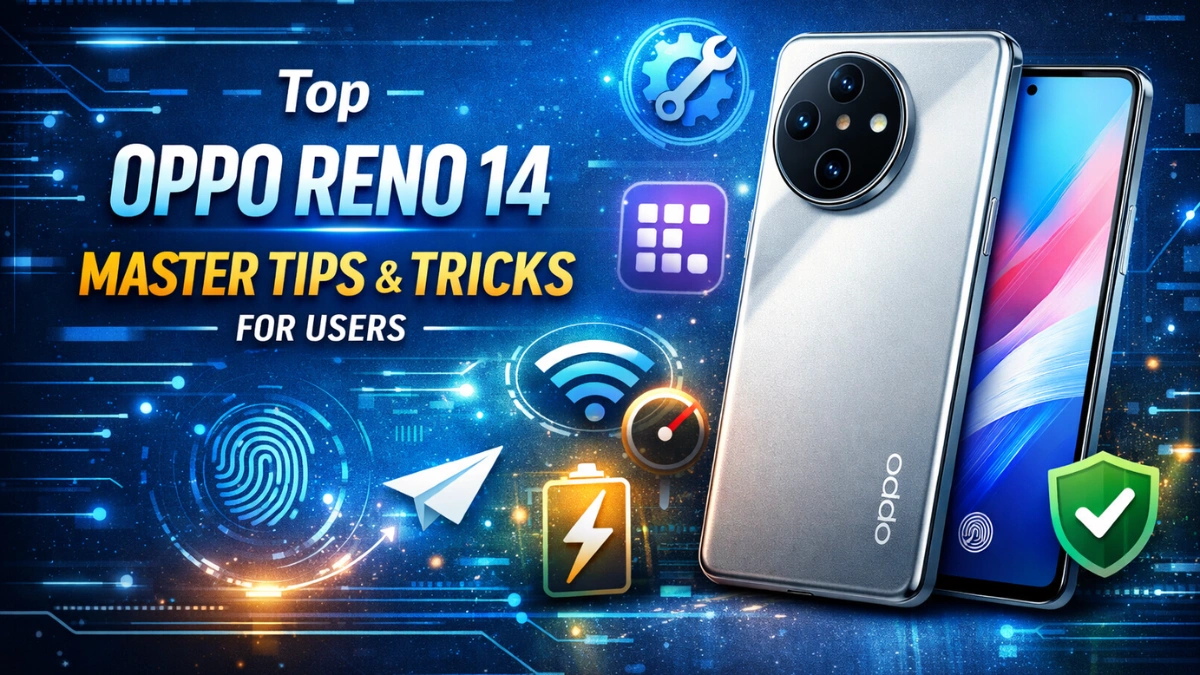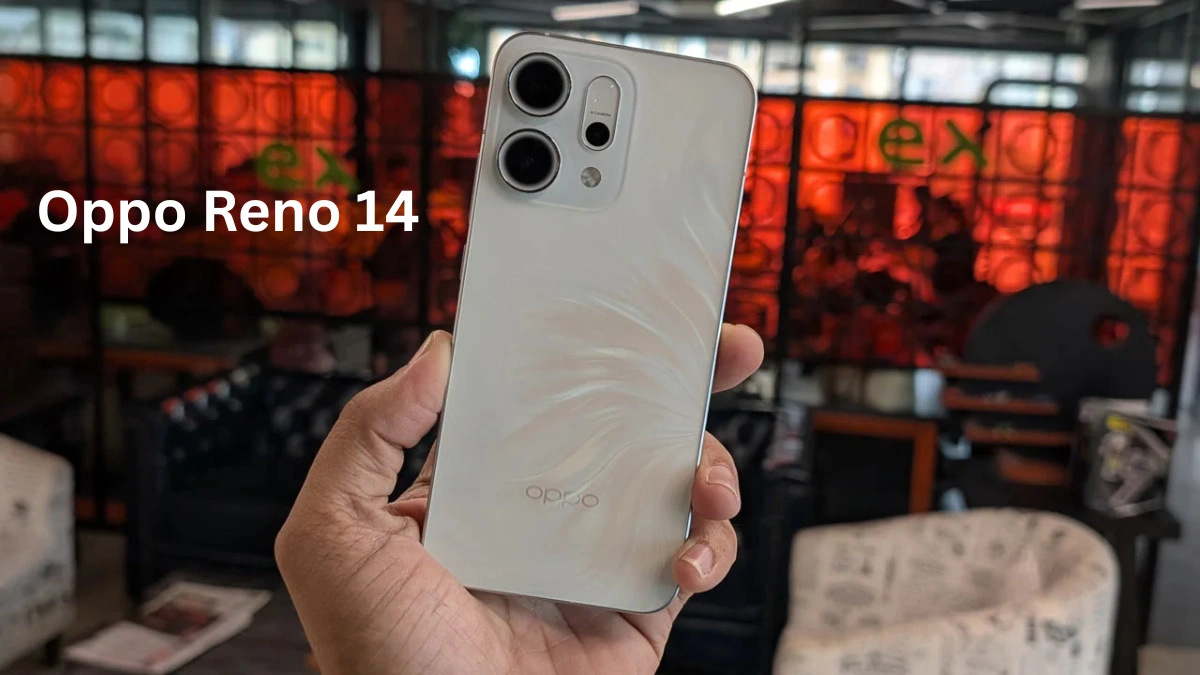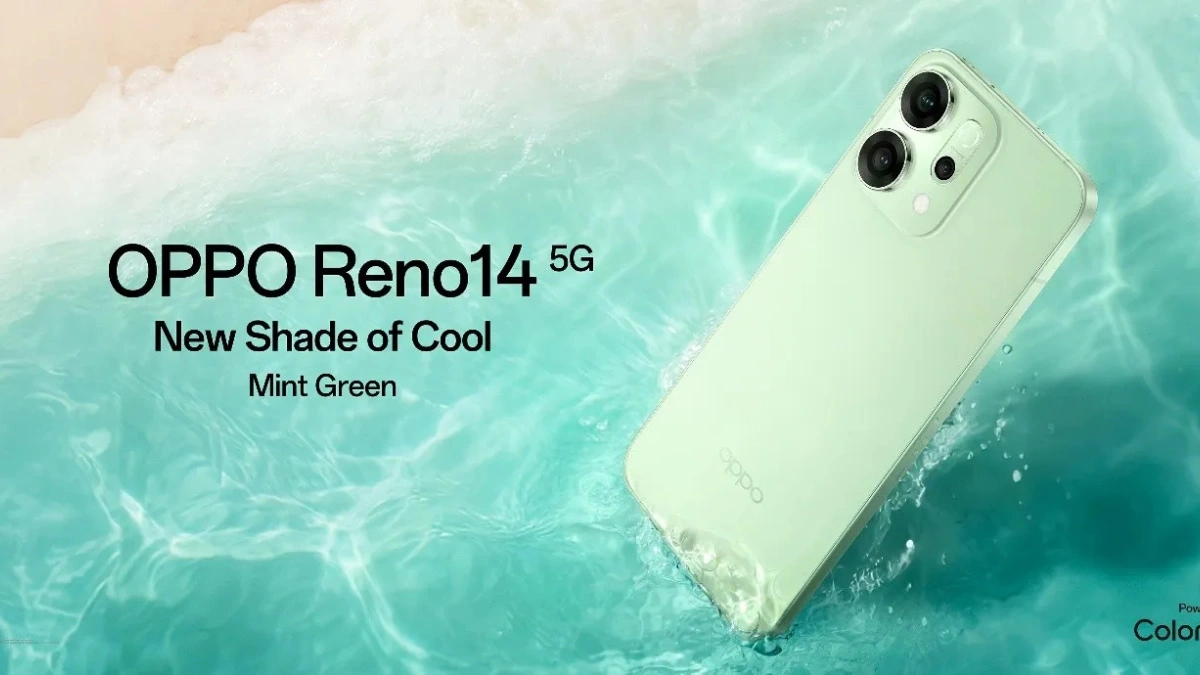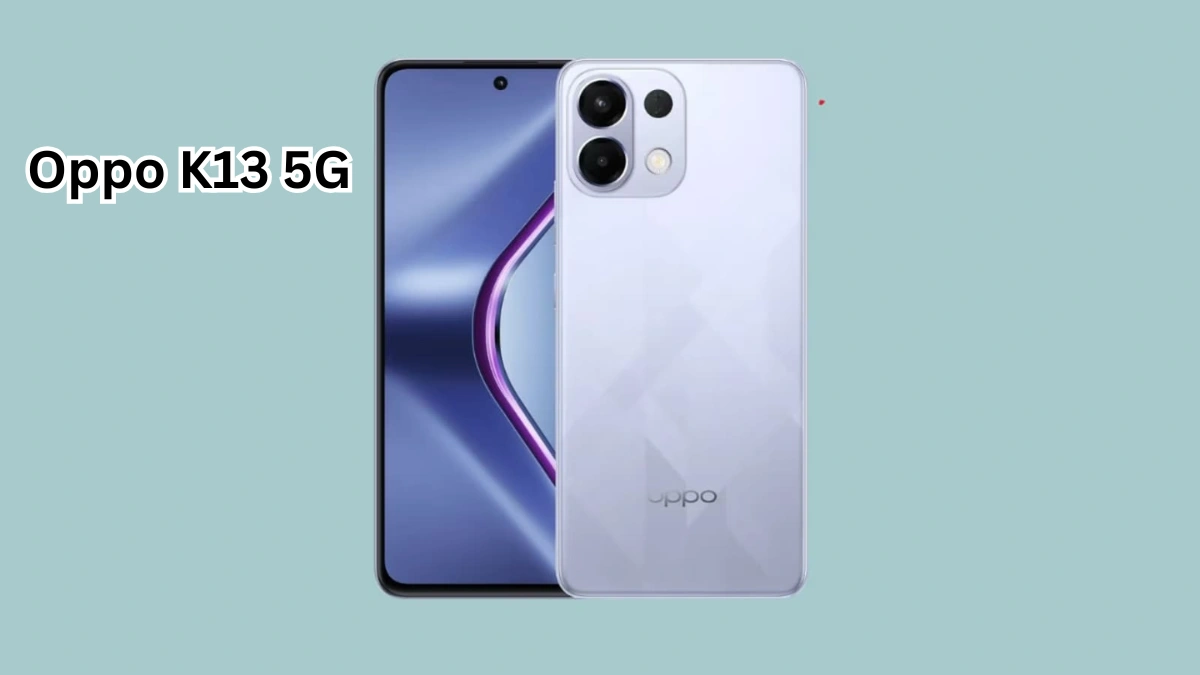
Discover 8 exciting Oppo K13 5G hacks that can boost your smartphone’s performance, enhance battery life, and unlock hidden features. Maximize your device today!
Introduction
The Oppo K13 5G is a feature-packed smartphone that offers a seamless experience for users who want speed, reliability, and efficiency. Whether you’re a gamer, multitasker, or someone who loves exploring the hidden features of your device, there are several hacks you can use to maximize the performance of your Oppo K13 5G. In this comprehensive guide, we’ll explore 8 exciting tips and tricks that help your device run smoother, improve battery life, and unlock hidden functionalities that most users might not be aware of.
1. Optimize Battery Performance
One of the most important aspects of smartphone performance is battery management. The Oppo K13 5G comes with a powerful battery, but with a few tweaks, you can make it last even longer:
- Enable Battery Saver Mode: Navigate to Settings → Battery → Power Saving Mode. This mode restricts background activity, reduces animations, and extends battery life significantly.
- Adaptive Brightness: By enabling adaptive brightness, your device adjusts screen brightness based on ambient light, saving power automatically.
- Background App Management: Close apps running in the background that consume extra battery. Go to Settings → Battery → Background Activity Management.
Pro Tip: Enable Super Power Saving Mode during emergencies to get extra hours of usage.
2. Boost Gaming Performance
The Oppo K13 5G is optimized for gaming, but you can take it to the next level with these hacks:
- Activate Game Space: This feature prioritizes CPU and GPU resources for smoother gameplay. Go to Settings → Game Space → Add your favorite games.
- Enable High-Performance Mode: Within Game Space, toggle high-performance mode to get maximum FPS and graphics quality.
- Reduce Background Notifications: Minimize interruptions while gaming by enabling Do Not Disturb in Game Space.
Pro Tip: For competitive gamers, turning on Network Acceleration in Game Space ensures reduced latency and lag-free gameplay.
3. Free Up Storage Space
A cluttered storage can slow down any smartphone. The Oppo K13 5G offers several tools to help you clean up your device:
- Use Device Optimization: Go to Settings → Storage → Clean Up. This will remove junk files, cache, and residual files from uninstalled apps.
- Cloud Backup: Move photos, videos, and documents to cloud storage to free up internal memory.
- Manage Large Files: Regularly check for large media files or apps that you rarely use and uninstall or move them.
Pro Tip: Enable Smart Cleaning to automatically detect unused files and apps weekly.
4. Enhance Camera Experience
The Oppo K13 5G comes with an advanced camera system, and you can unlock hidden features to get the most out of it:
- Ultra-Clear Mode: Use this mode for crisp and detailed images, especially in daylight.
- AI Scene Recognition: Enable AI Scene Recognition for automatically optimized camera settings based on the scene.
- Pro Mode: For photography enthusiasts, Pro Mode allows manual control over ISO, shutter speed, and exposure.
Pro Tip: Use Ultra Night Mode for low-light photography without noise, and combine it with a tripod for best results.
5. Speed Up the Device
Over time, smartphones may slow down. The Oppo K13 5G has several hidden hacks to maintain speed:
- Enable Smart RAM Management: This frees up memory automatically by closing inactive apps.
- Reduce Animations: Go to Settings → About Phone → Tap Build Number 7 times to enable Developer Mode → Reduce or turn off animations.
- Regular Software Updates: Always install the latest ColorOS updates to get performance improvements and bug fixes.
Pro Tip: Restart your phone weekly to clear temporary files and free up RAM.
6. Customize UI for Better Experience
Personalizing your Oppo K13 5G not only makes it look unique but can also improve performance:
- Theme Store: Download lightweight themes to reduce system load.
- Smart Sidebar: Enable Smart Sidebar to access apps, tools, and shortcuts without opening the home screen.
- Gestures and Shortcuts: Use gestures to quickly open apps or perform tasks, reducing unnecessary taps and improving workflow.
Pro Tip: Enable Quick Launch in Settings → Convenience Tools to access apps even from the lock screen.
7. Secure Your Device Efficiently
Performance isn’t just about speed—it’s also about maintaining a secure and efficient device:
- App Lock: Protect apps with passwords or fingerprint for privacy and security.
- Regular Virus Scan: Use the built-in Security app to scan and remove malware that can slow down your phone.
- Optimize Permissions: Limit apps from running in the background or accessing unnecessary data.
Pro Tip: Enable Find My Device to remotely locate or erase data if your Oppo K13 5G is lost or stolen.
8. Explore Hidden Features
Finally, the Oppo K13 5G comes with several hidden tricks that improve usability and performance:
- Screen Recording: Capture your screen for tutorials or gameplay by swiping down → Screen Recording.
- Split-Screen Multitasking: Use two apps simultaneously by swiping up from the bottom and holding the recent apps button.
- Smart Driving Mode: Automatically read messages and control calls when driving for a safer experience.
Pro Tip: Enable Gesture Screenshot to capture screenshots by swiping three fingers down on the screen.
Conclusion
The Oppo K13 5G is a versatile smartphone with immense potential, and these 8 hacks ensure that you get the most out of it. From improving battery life and boosting gaming performance to unlocking hidden features and customizing the UI, these tips are designed to maximize efficiency and enhance your overall experience. By implementing these hacks, you can keep your device running smoothly, secure, and optimized for daily tasks.
Sources:
FAQs
1. How can I make my Oppo K13 5G faster?
Use Smart RAM Management, reduce animations, enable high-performance mode, and regularly clean up storage.
2. Does enabling Game Space improve gaming performance?
Yes, Game Space prioritizes CPU and GPU for smoother gaming and reduces background interruptions.
3. How do I extend Oppo K13 5G battery life?
Use Battery Saver Mode, adaptive brightness, background app management, and Super Power Saving Mode.
4. Can I improve camera quality without external apps?
Absolutely! Use Ultra-Clear Mode, AI Scene Recognition, Pro Mode, and Ultra Night Mode for best results.
5. What are some hidden features in Oppo K13 5G?
Screen recording, split-screen multitasking, gesture screenshots, and smart driving mode are some hidden features.
6. How do I secure my Oppo K13 5G efficiently?
Use App Lock, optimize app permissions, scan for malware, and enable Find My Device.
7. Should I update ColorOS regularly?
Yes, updates include performance enhancements, bug fixes, and new features that keep your device running smoothly.