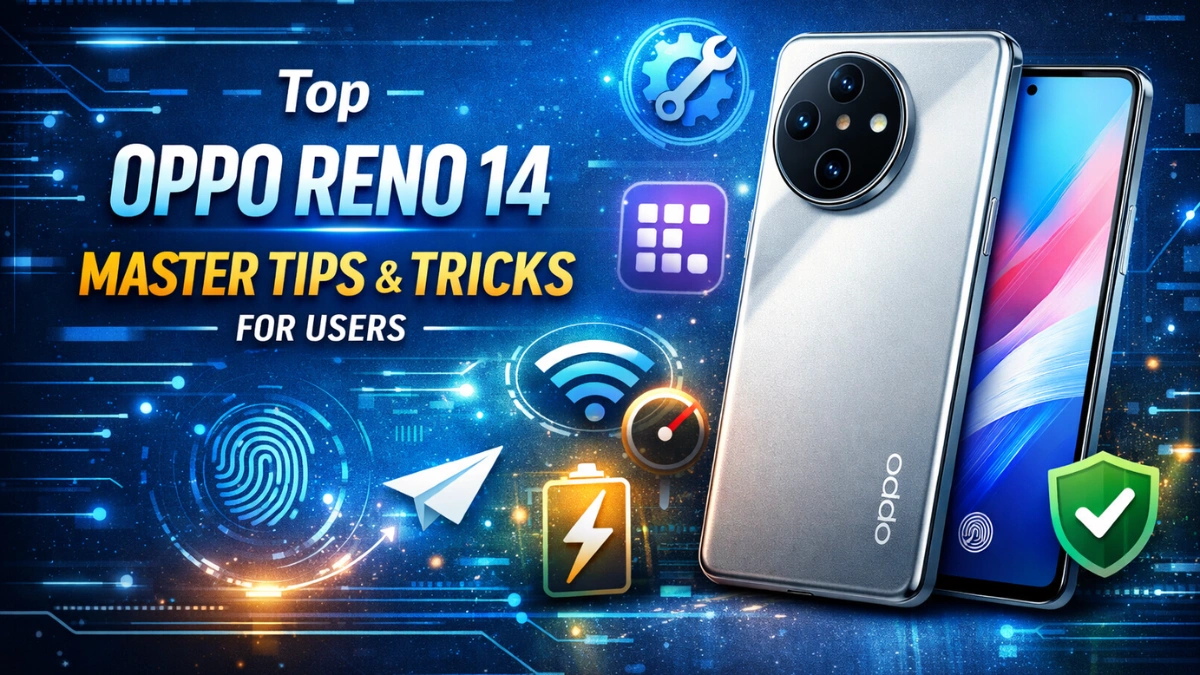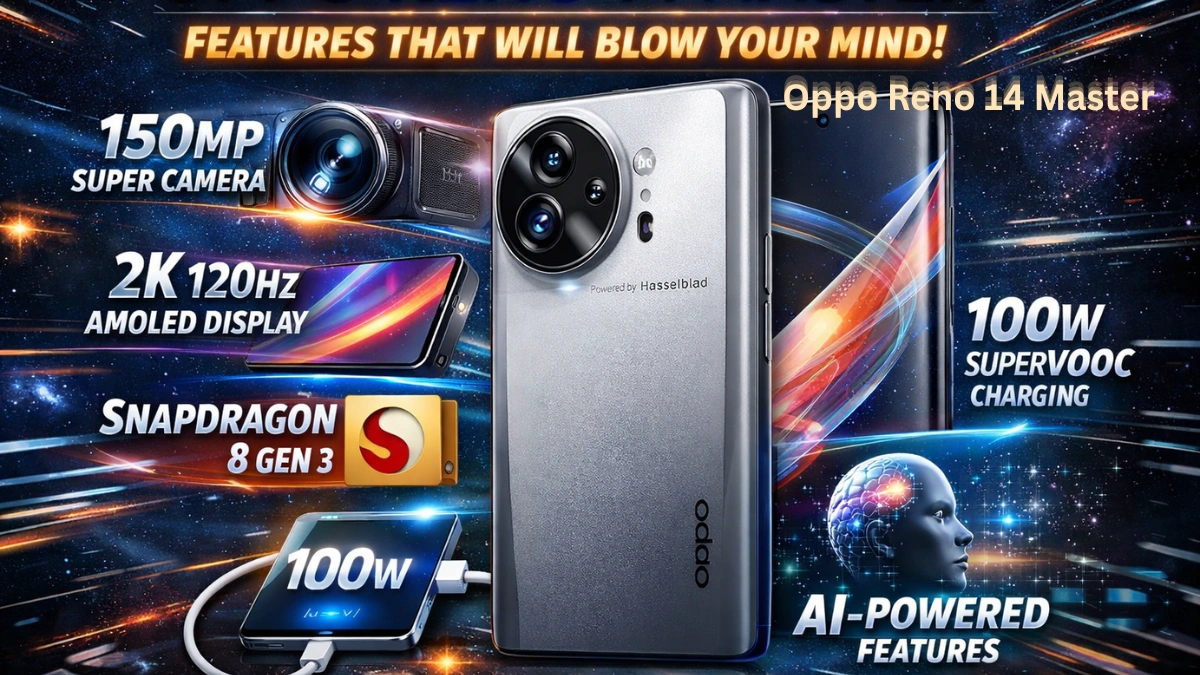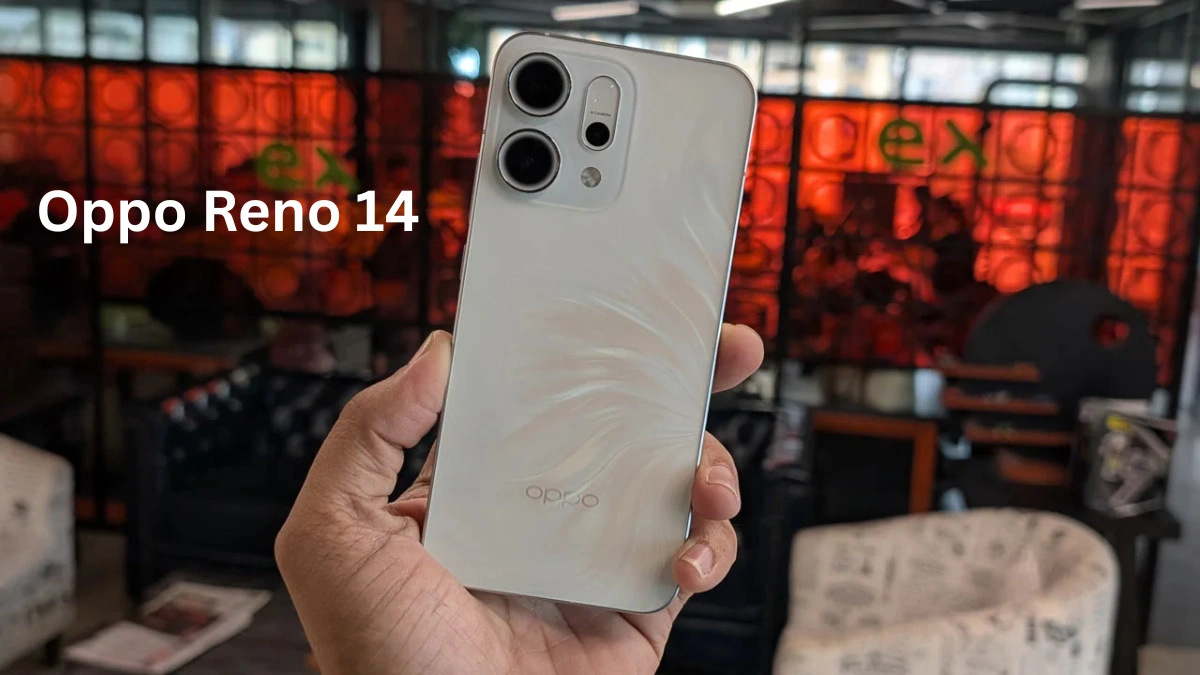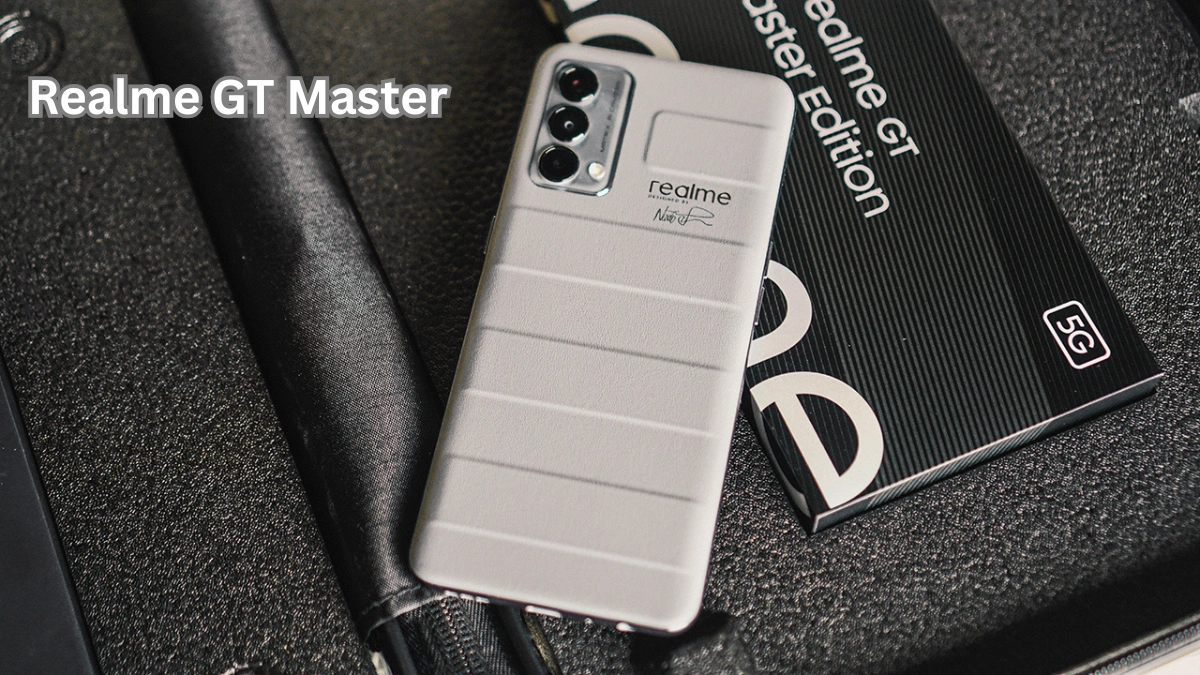
Unlock the full potential of your Realme GT Master with our ultimate guide! Discover hidden features, tips, and tricks you didn’t know to enhance performance, camera, battery, and user experience.
Introduction
The Realme GT Master has quickly become one of the most popular mid-range smartphones due to its stylish design, powerful performance, and feature-rich interface. While many users enjoy the phone right out of the box, few are aware of the hidden tips, tricks, and features that can significantly enhance the user experience. Whether it’s improving battery life, unlocking camera potentials, optimizing speed, or customizing the interface, this guide covers everything you need to know to get the most from your Realme GT Master.
In this comprehensive guide, we’ll explore hidden settings, advanced functionalities, and smart tips that will make your device faster, smarter, and more enjoyable to use.
1. Customize Your Realme GT Master’s Home Screen
App Drawer & Icon Customization
Realme GT Master One of the most overlooked features is the ability to customize the app drawer and icons. You can:
- Resize icons for easier accessibility.
- Use themes for a fresh look.
- Enable or disable app suggestions for a cleaner home screen.
Smart Widget Suggestions
The Realme GT Master comes with intelligent widgets that adapt to your usage. Use the smart widget feature to keep your most-used apps and information handy.
2. Hidden Camera Features
Pro Mode for Photography Enthusiasts
While the default camera works fine, Pro Mode unlocks manual controls such as ISO, shutter speed, white balance, and focus. Perfect for low-light photography and creative shots.
Ultra Night Mode
The Realme GT Master night mode can produce stunning results. But combining it with a tripod or stabilizer allows for long exposure shots that rival high-end cameras.
AI Scene Recognition
AI Scene Recognition automatically adjusts camera settings for different scenarios, such as landscapes, food, and portraits. This feature is often overlooked but can greatly improve photo quality without manual tweaks.
3. Speed and Performance Optimization
Game Space Optimization
Realme GT Master comes with Game Space, which optimizes performance for gaming. Features include:
- Game Assistant for quick access to tools.
- High-performance mode to prevent frame drops.
- Do Not Disturb during gameplay.
RAM Expansion Feature
Realme GT Master The phone supports RAM expansion, which uses part of your storage as virtual RAM. Enabling this can significantly improve multitasking, especially when switching between apps.
Performance Mode in Settings
Activate Performance Mode for a faster, smoother experience when using demanding apps or gaming. Be mindful that this may consume more battery.
4. Battery Life Hacks
Battery Optimization Tips
Extend your Realme GT Master battery life with these tips:
- Use Power Saver Mode during low battery.
- Limit background app activity.
- Reduce screen refresh rate to 60Hz if not gaming.
Charging Tricks
The GT Master supports fast charging, but charging in short bursts between 20% and 80% can prolong battery health. Avoid overnight charging frequently.
5. Realme UI Tips & Hidden Settings
Gesture Navigation
Enable full-screen gestures for a smooth, immersive experience. You can customize gestures for:
- Back navigation
- Quick app switch
- Screen capture
Smart Sidebar
The Smart Sidebar gives quick access to apps, tools, and screenshots without returning to the home screen. Toggle it on in Settings → Convenience Tools → Smart Sidebar.
Dual-Mode Music Share
You can connect two Bluetooth devices simultaneously for sharing music with friends without interruption—a feature many users miss.
6. Security & Privacy Features
App Lock & Private Safe
Protect sensitive information with App Lock and Private Safe, ensuring only you can access specific apps or files.
Face & Fingerprint Unlock
Enable fast face unlock and ultra-fast fingerprint recognition for maximum convenience. The phone allows multiple fingerprints and facial profiles.
Privacy Protection Tools
Use Realme’s Privacy Dashboard to track which apps access personal data like location, camera, and microphone. You can also revoke permissions easily.
7. Connectivity & Network Hacks
5G & Network Optimization
Make the most of 5G connectivity:
- Switch to 5G/4G Auto mode for battery efficiency.
- Use the Network Speed Test in settings to identify the fastest network.
Wi-Fi & Hotspot Tricks
- Set a custom name and password for secure hotspots.
- Use Wi-Fi Assistant to automatically switch to the strongest network.
8. Entertainment Features
Screen Recording & Editing
Capture gaming sessions or video calls with the built-in screen recorder, which supports internal audio. You can also trim and edit videos directly within the phone.
Dual Audio Playback
Stream music to multiple Bluetooth devices simultaneously or combine wired and wireless audio for a rich experience.
9. Productivity & Smart Tools
Split-Screen & Floating Window
Multitask efficiently with split-screen mode and floating windows. You can watch videos while browsing or texting without switching apps.
Notes & Reminder Integration
Use Notes and Reminders to organize tasks. The phone supports voice notes and quick access via Smart Sidebar.
Realme Share & Nearby Share
Transfer files swiftly between devices without the need for cables. Compatible with Android and Realme devices.
10. Fun & Customization Features
Always-On Display (AOD)
Enable AOD to show time, date, notifications, or custom GIFs without unlocking the phone.
Themes, Wallpapers & Icons
Personalize your Realme GT Master with dynamic themes, live wallpapers, and custom icon packs.
Game Visual Effects
Enhance gaming experience by enabling HDR and game visual effects, making graphics smoother and more vibrant.
Conclusion
The Realme GT Master is more than just a stylish mid-range smartphone; it is packed with hidden features, tips, and tricks that can enhance performance, camera quality, battery life, and overall user experience. From optimizing gaming performance and battery hacks to advanced camera functionalities and smart tools, unlocking these features ensures you get the most out of your device. By exploring Realme UI and experimenting with these tips, your GT Master can truly become a personalized powerhouse in your hands.
Sources:
FAQs
- Does Realme GT Master support 5G connectivity?
Yes, it supports 5G and automatically switches between 5G/4G depending on network availability. - How can I extend the battery life of my GT Master?
Use Power Saver Mode, limit background apps, reduce screen refresh rate, and avoid overnight charging frequently. - Can I customize the home screen icons and themes?
Yes, Realme UI allows full customization of icons, themes, and app drawer layout. - What hidden camera features does the GT Master offer?
Pro Mode, Ultra Night Mode, and AI Scene Recognition are some hidden features for enhanced photography. - How do I enable gestures for navigation?
Go to Settings → Convenience Tools → Gesture Navigation and customize according to your preference. - Is there a way to improve multitasking performance?
Yes, enable RAM Expansion and Performance Mode in settings for smoother multitasking. - Can I use multiple Bluetooth devices at the same time?
Yes, with Dual-Mode Music Share, you can connect two devices simultaneously for shared audio playback.